

An Idea on How to Turn Your Website into a Mobile App
In today's fast-paced digital world, having a mobile presence is no longer optional-it’s essential. Whether you run a blog, an e-commerce store, or a portfolio, turning your website into a mobile app can significantly boost user engagement, retention, and revenue. If you are looking for an idea to expand your digital footprint, here's a complete guide on how to transform your website into a mobile app, with actionable steps and resources.
Why Convert Your Website into a Mobile App?
Mobile apps offer a better user experience than traditional mobile websites.Some key advantages include:
- Faster Performance – Apps load quicker than websites, which reduces bounce rates.
- Offline Access – Users can interact with your content even without an internet connection.
- Push Notifications – Engage users directly with updates, promotions, or reminders.
- Higher Retention – Apps have higher user retention rates compared to mobile sites.
By leveraging your existing website content, you can create a seamless app experience without building a new platform from scratch.
Example: Many small e-commerce stores have increased revenue by 30–50% after launching an app because users find it easier to navigate and purchase.
Step 1: Choose the Right Conversion Method
There are two main ways to turn your website into a mobile app:
1. Progressive Web App (PWA)
PWAs combine the best of websites and apps. They allow users to install your website on their home screen and function offline. PWAs are lightweight, SEO-friendly, and easier to maintain than native apps.
Use Case: Blogs, news sites, and simple e-commerce stores benefit most from PWAs.
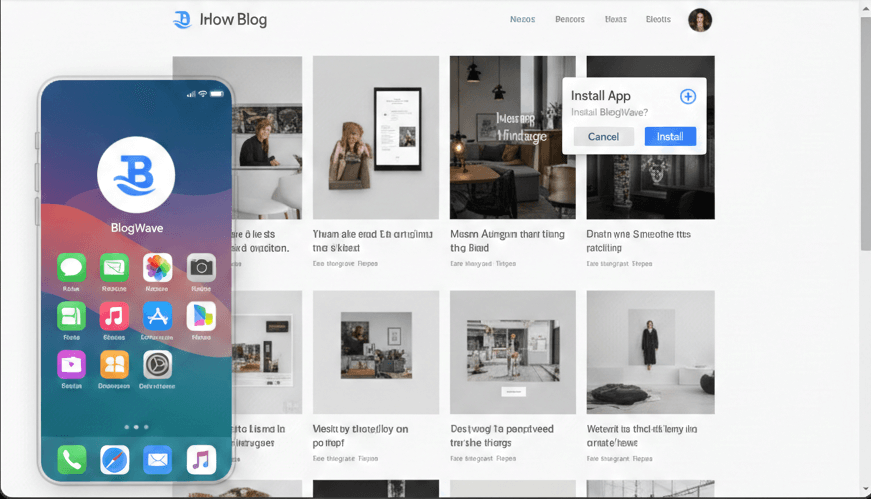
Resource: Google Developers: Progressive Web Apps
2. Native App Conversion
Native apps provide the most functionality and performance. Tools like Flutter, React Native, or Appy Pie can convert your existing website into an Android or iOS app.
Pro Tip: If your website has complex features or e-commerce, a native app is usually better.
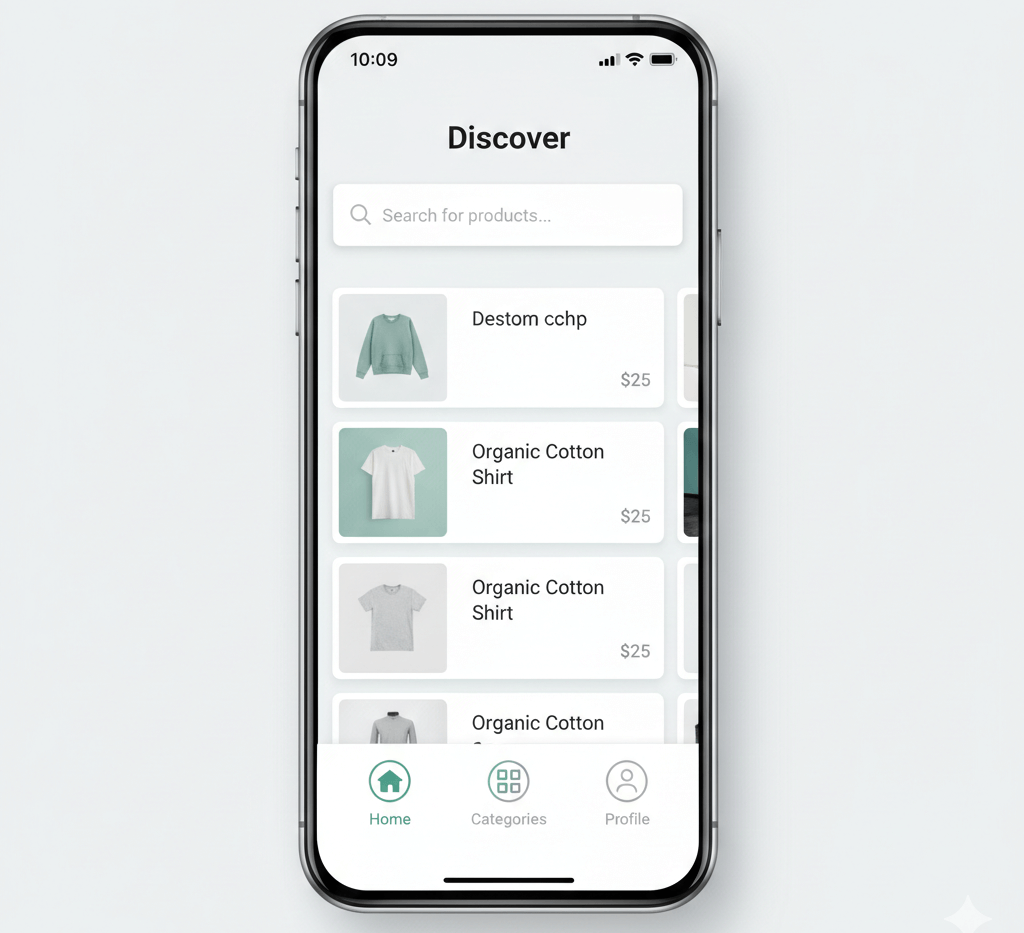
Step 2: Design a Mobile-Friendly Interface
Your website might look great on desktops, but mobile users expect simplicity and speed. Focus on:
- Clean navigation and readable fonts
- Optimized images for faster loading
- Simplified menus and buttons
- App-like features such as swipe gestures
You can use tools like Figma or Adobe XD to prototype your mobile app layout before development.
Example: A blog converted into an app might use a bottom navigation bar for Home, Categories, and Favorites instead of a long menu.
Step 3: Choose an App Builder or Development Platform
If you're not a developer, app builders simplify the conversion process. Popular platforms include:
| Platform | Features | Best For |
|---|---|---|
| Appy Pie | Drag-and-drop, Android & iOS | Beginners, small businesses |
| Thunkable | No-code native apps | Educational apps, portfolios |
| GoodBarber | Content-focused apps | Blogs, news sites, e-commerce |
These platforms often provide features like push notifications, offline mode, and analytics integration, which are crucial for app monetization.
Most platforms include:push notifications, offline mode, analytics, and monetization features.
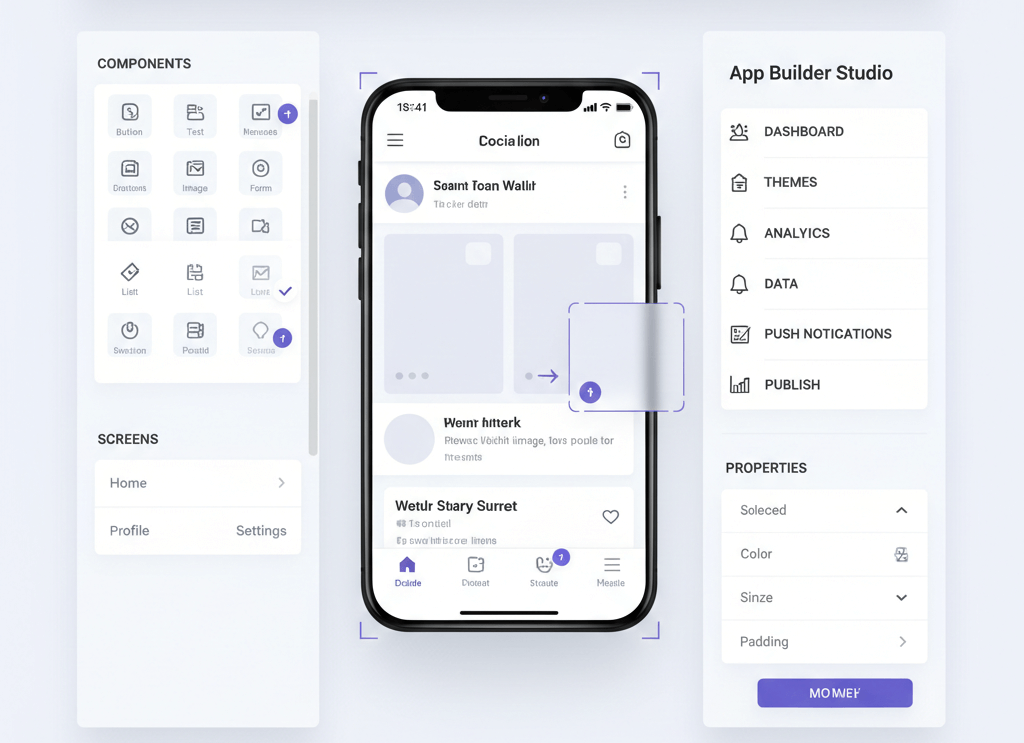
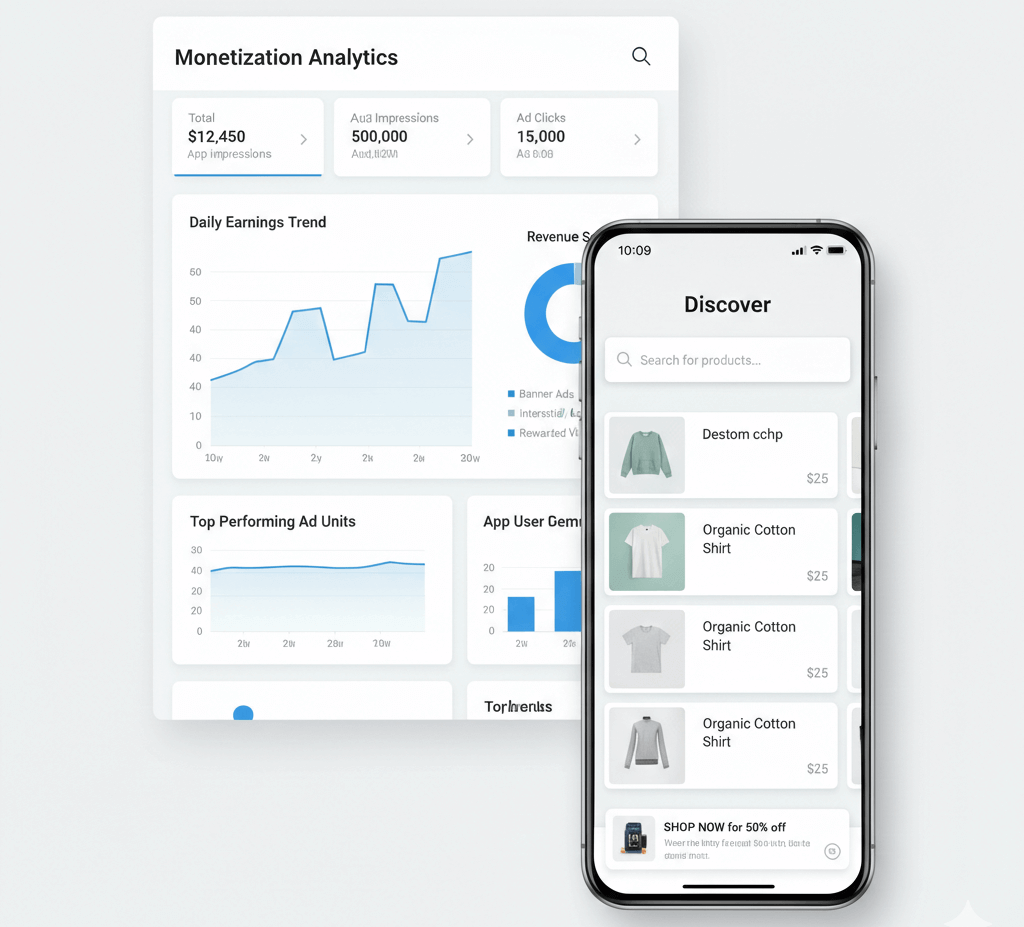
Step 4: Optimize for App Stores and Monetization
Publishing your app on Google Play and Apple App Store requires proper optimization:
- Use relevant keywords in your app title and description.
- Add high-quality screenshots and an engaging icon.
- Integrate Google AdMob or AdSense for in-app advertising revenue.
Pro Tip: Encourage reviews and ratings—they directly impact visibility in Google Play and Apple App Store.
Step 5: Test, Launch, and Market Your App
Before launching, test your app on multiple devices to ensure smooth performance. Tools like TestFlight for iOS and Firebase Test Lab for Android are ideal. Once tested:
- Promote your app on your website and social media.
- Encourage reviews and ratings for better app store visibility.
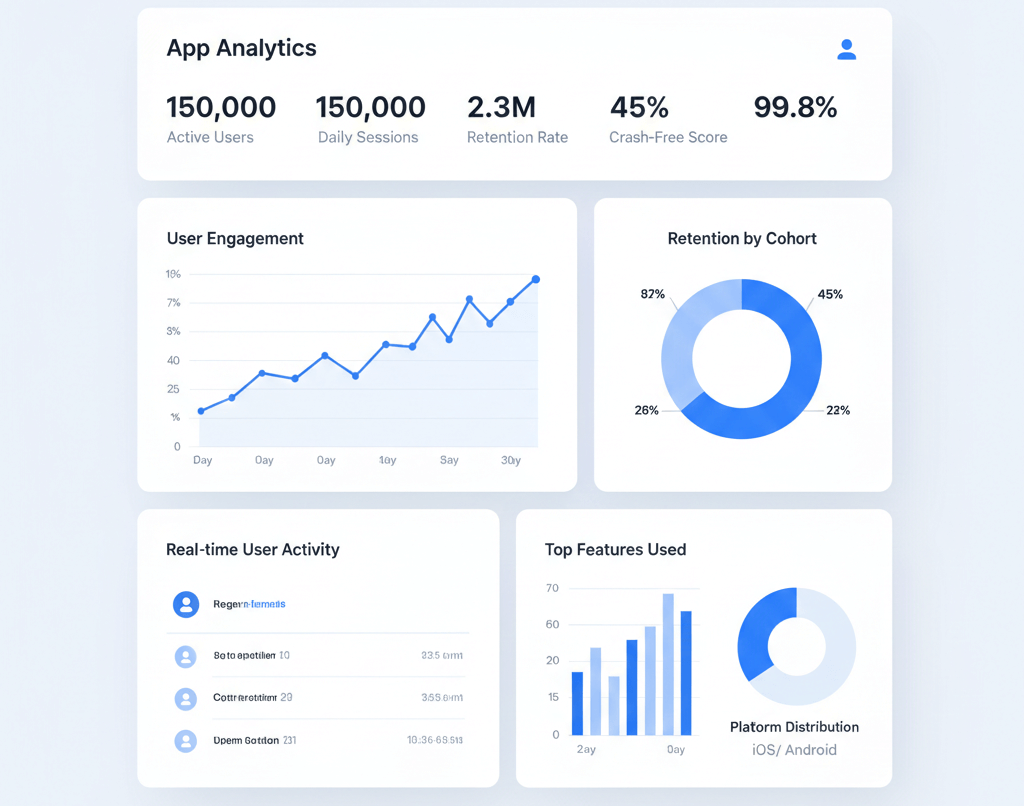
- Monitor user behavior using analytics tools to continuously improve.
Step 6: Compare PWA vs Native App
| Feature | PWA | Native App |
|---|---|---|
| Offline Access | ✅ | ✅ |
| Device Features | Limited | Full |
| Performance | Good | Excellent |
| SEO | ✅ | Limited |
| Cost | Low | Higher |
| Maintenance | Easy | Moderate |
Tip: Choose PWA for lightweight apps and native for feature-rich apps.
Conclusion
Turning your website into a mobile app is a powerful way to boost engagement, usability, and revenue. Whether you go for a PWA or native app, focus on:
- Performance – Fast loading and smooth navigation
- User Experience – Mobile-friendly design and gestures
- Monetization & Growth – Push notifications, ads, and analytics
By following these steps, your website can seamlessly become a mobile-first experience that delights your audience.